
Texting your clients
Which texts are free, which come with the phone system add-on, and how to text clients and read their replies.
Free forever Not a trial. No card, no contract, unlimited staff. Card payments cost 3.9% + 30¢. Our promise →
Step 1: Know which texts are free
Booking confirmation and reminder texts are part of the free software.
Step 2: Get texting with the phone add-on
Other texts, two-way texting and text campaigns go through our built-in texting, which comes with the phone system add-on. Phone system + AI receptionist: $79/month* add-on, includes after-hours on-call dispatch and texting. 500 texts a month* are included. Clients can reply STOP at any time.
Step 3: On-the-way texts
When a provider taps En Route, the client gets a text that they’re on the way, with the provider’s first name and your phone number. It’s on from the start for mobile businesses, and you can switch it off in Settings → Automatic Messages. Without the phone system add-on, the provider app offers Text from my phone instead.
Step 4: Open your texts
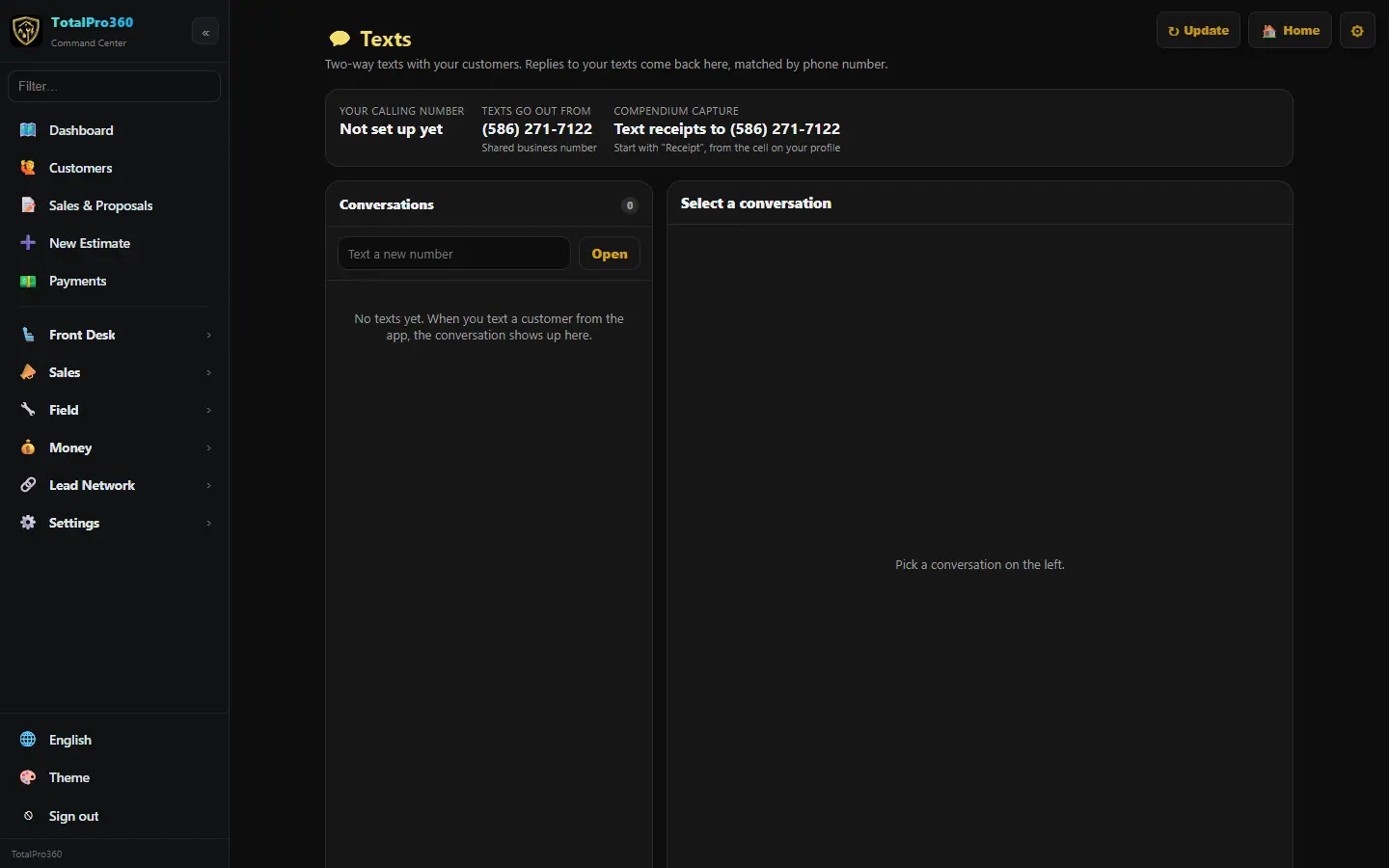
Open Sales → Phone System and click Open Texts. Conversations are on the left; replies to your texts come back here, matched by phone number.
Step 5: Send a text
Click a conversation and type in the reply box, then Send. To start a new one, type the number in Text a new number and click Open.
Step 6: Read messages from the app
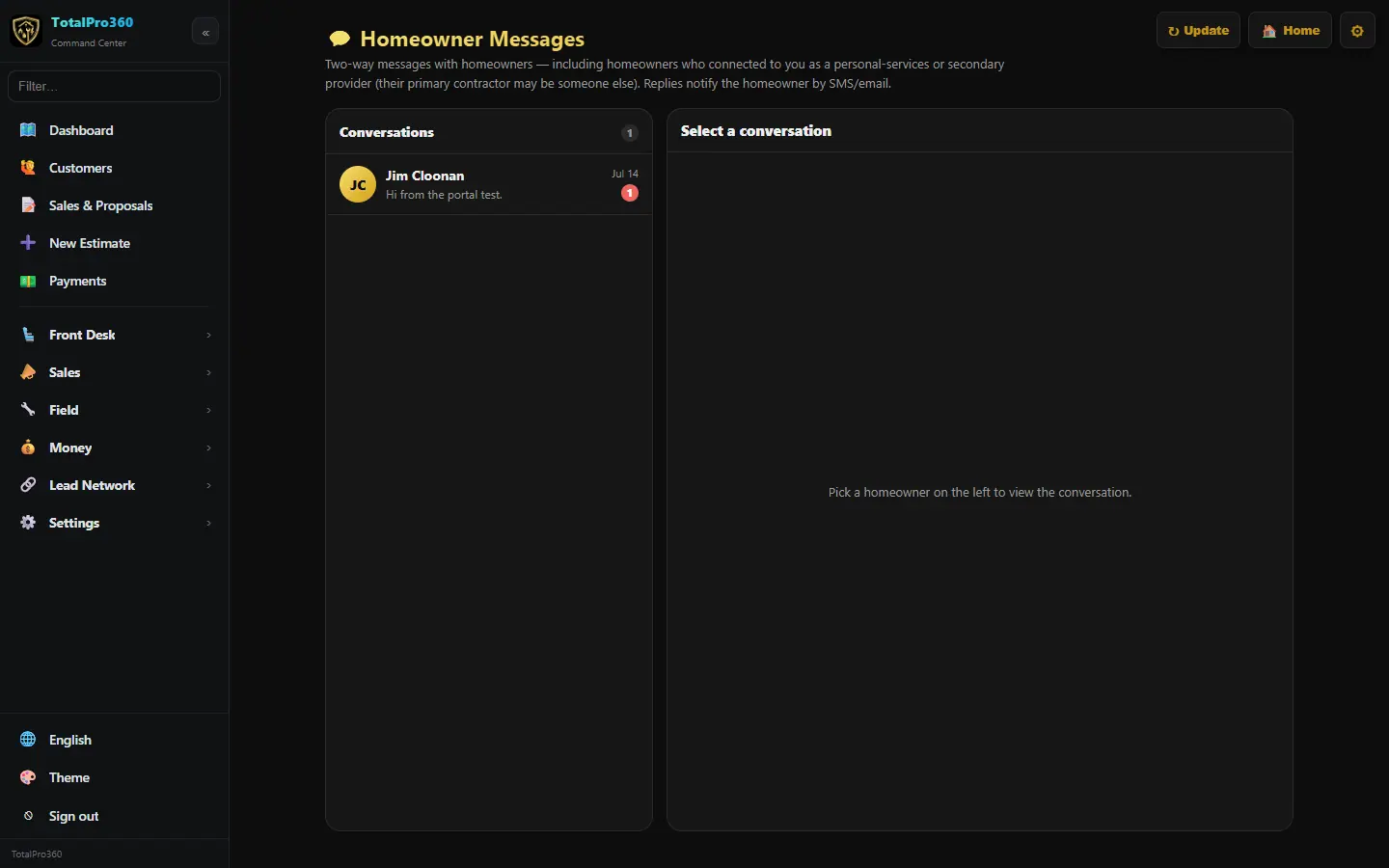
Clients who use the free client app can also message you there. Those messages land in Sales → Homeowner Messages.
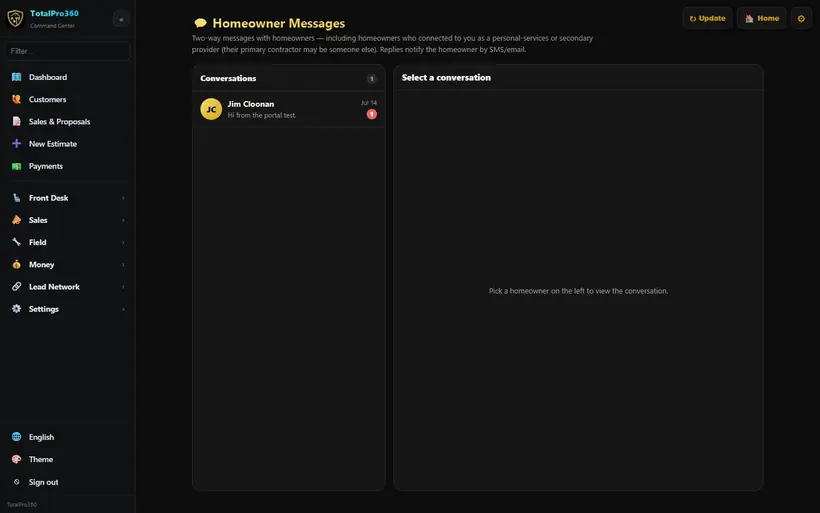
Real screen from the demo account; names and numbers are sample data. Step 7: Respect consent and quiet hours
Marketing texts only go to clients who agreed to get them, and automatic texts never go out between 9 PM and 8 AM.
Still stuck? Tell us what you were trying to do and where you got stuck. A screenshot helps.
Your ticks are saved in this browser only. Updated October 2026.
Questions about this
Can customers text me back?
Yes. With the phone system add-on, replies to your texts come back to Texts, matched by phone number.
*Included minutes and texts cover typical use. Usage above the included amounts is billed as overage, and larger or high-volume companies may be quoted higher phone and texting rates. See our Terms.