
Sell and redeem gift cards
Sell gift cards at the desk or online, check balances, and apply them at checkout.
Free forever Not a trial. No card, no contract, unlimited staff. Card payments cost 3.9% + 30¢. Our promise →
Step 1: Sell a gift card
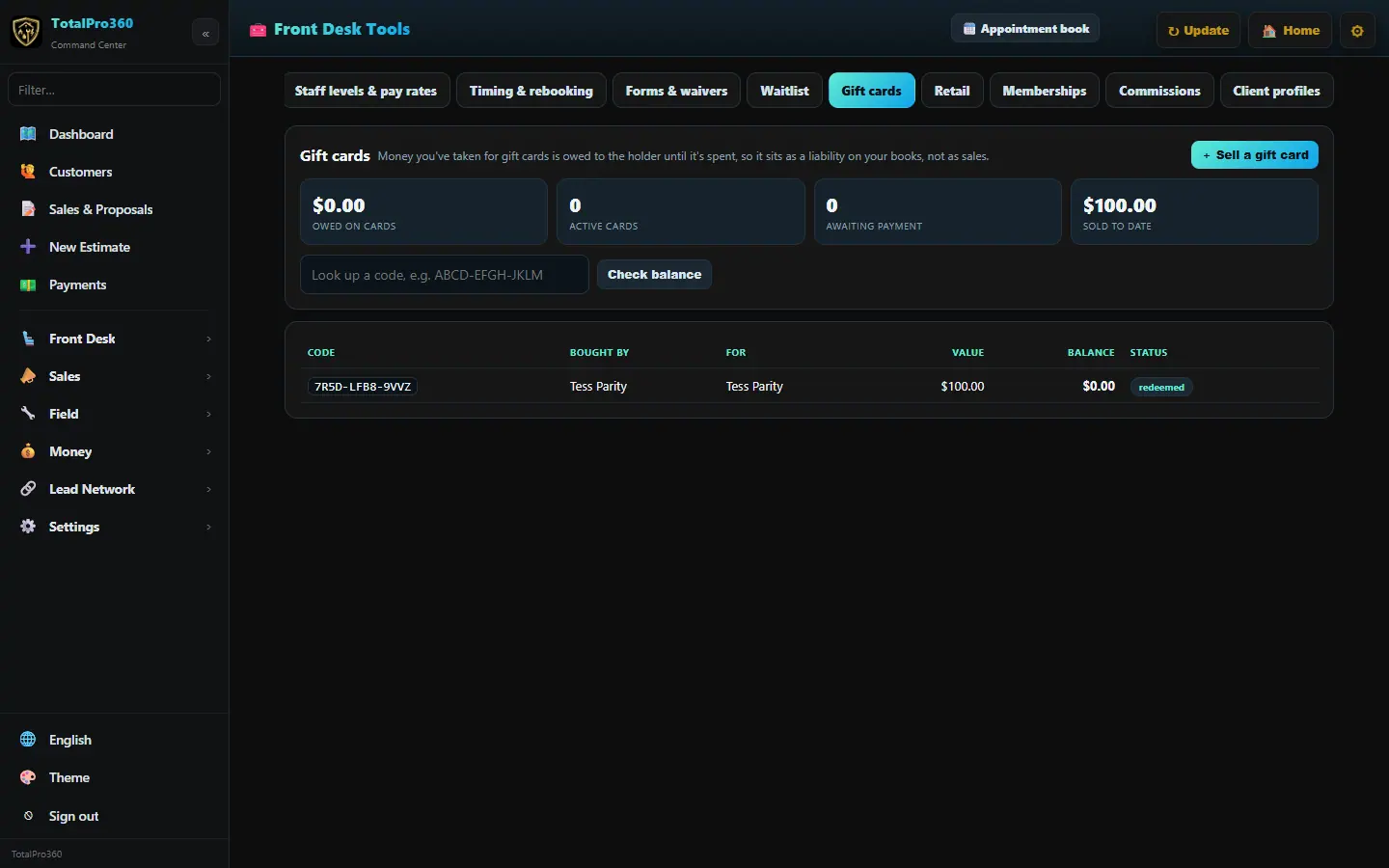
Open Front Desk → Gift Cards and click + Sell a gift card. Enter the amount, who bought it and who it’s for, and take payment. The card gets a code like ABCD-EFGH-JKLM.
Money taken for gift cards is owed to the holder until it’s spent, so it sits as a liability on your books, not as sales.
Step 2: Let clients buy online
Gift cards can also be bought from your booking page and website, so they sell while you’re closed.
Step 3: Check a balance
Type the code in the look-up box and click Check balance. The list shows every card with its value, balance and status.
Step 4: Redeem at checkout
At Check out, enter the code under Gift card and click Apply. Any balance left stays on the card.
Still stuck? Tell us what you were trying to do and where you got stuck. A screenshot helps.
Your ticks are saved in this browser only. Updated October 2026.