
Free chiropractic software built for a high-volume adjusting day.
A chiropractic day is many short visits, a care plan behind each one, and rooms that have to keep turning. TotalPro360 books the visit and tracks where the patient is in the plan.
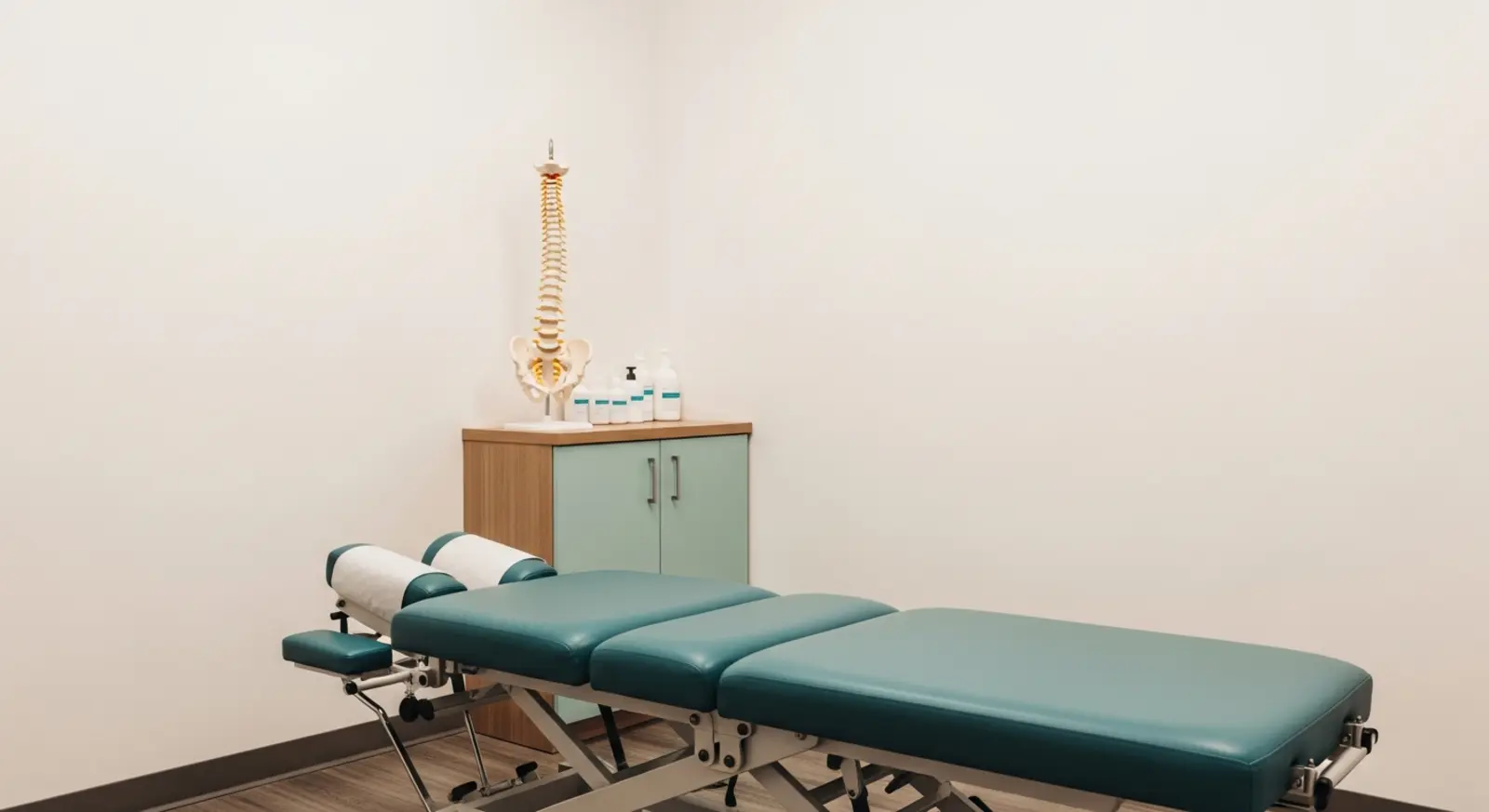
What slows a chiropractic practice down
- Care-plan visit counts tracked on a card at the front desk
- Short visits scheduled as if they were new-patient exams
- Patients rebooked one visit at a time instead of across the plan
None of that is a chiropractor problem. It is a software problem, and the software that fixes it has historically cost more per month than a chiropractic practice could comfortably justify.
Built for how a chiropractic practice actually runs
Visit types with honest lengths
New patient, re-exam and routine adjustment are different appointments, and booking them identically is what makes a day run late.
Care plans that count down
A plan of visits decrements as they are delivered, so the front desk can see where a patient is without a paper card.
Rooms and providers booked together
Adjusting rooms and the provider working them are separate resources, which is where the real conflicts show up.
Recurring visits booked across the plan
Schedule the run of appointments once instead of rebooking after every visit.
Visit history on the patient
Prior visits, notes and plan progress on the record, available before the patient is on the table.
Payment at the desk
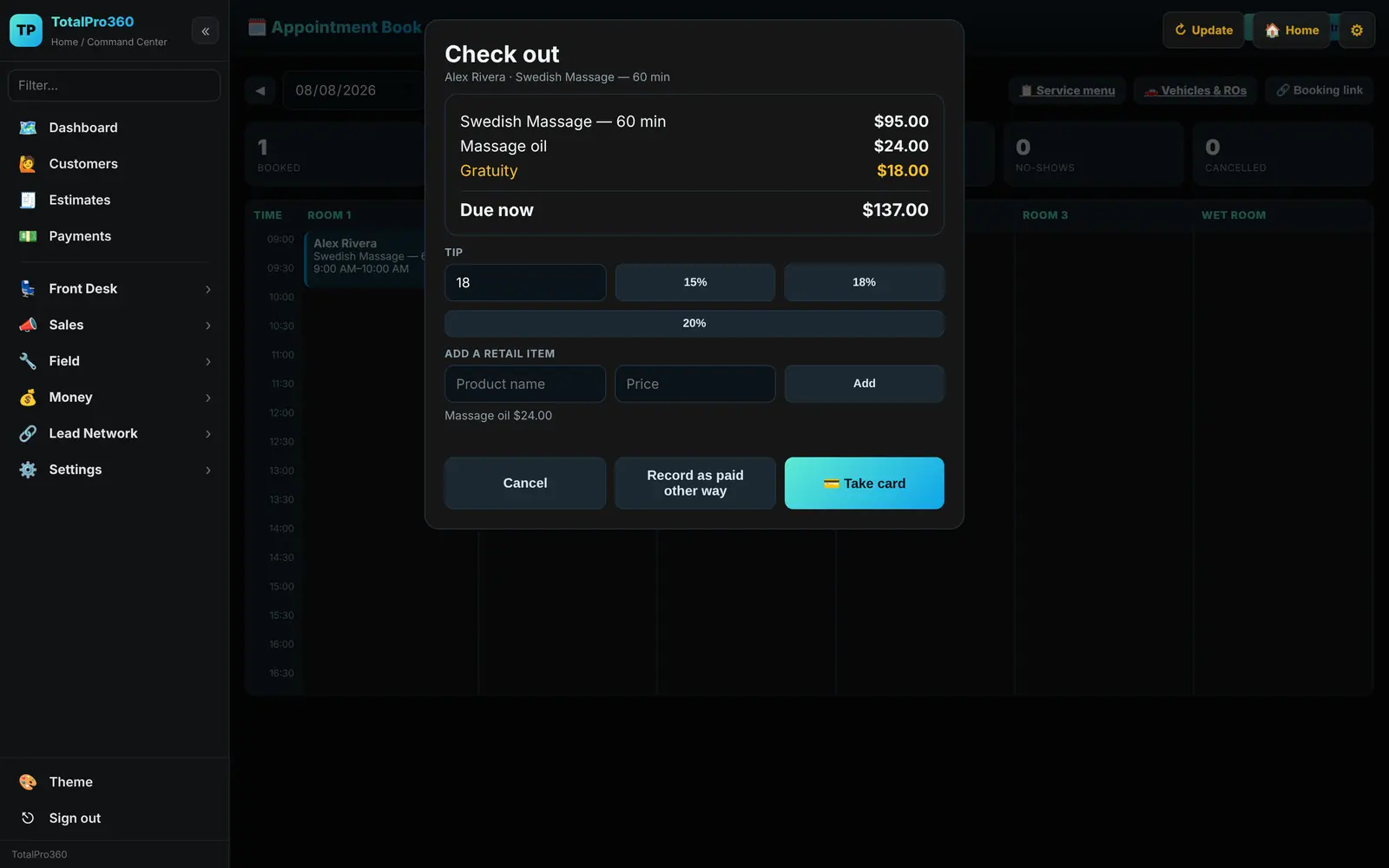
Card at checkout or a pay link, applied to the visit or against the prepaid plan.
See how it works
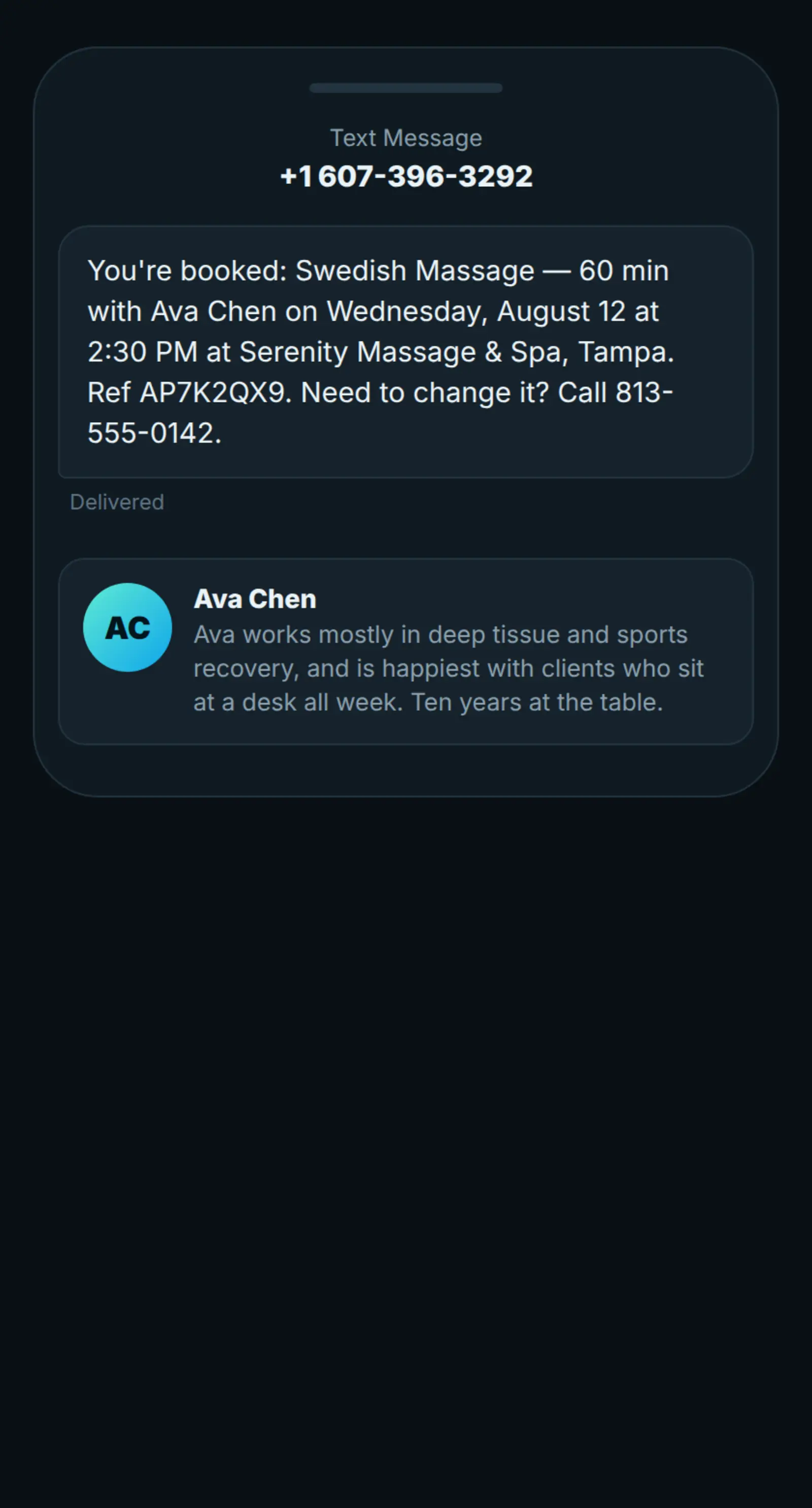
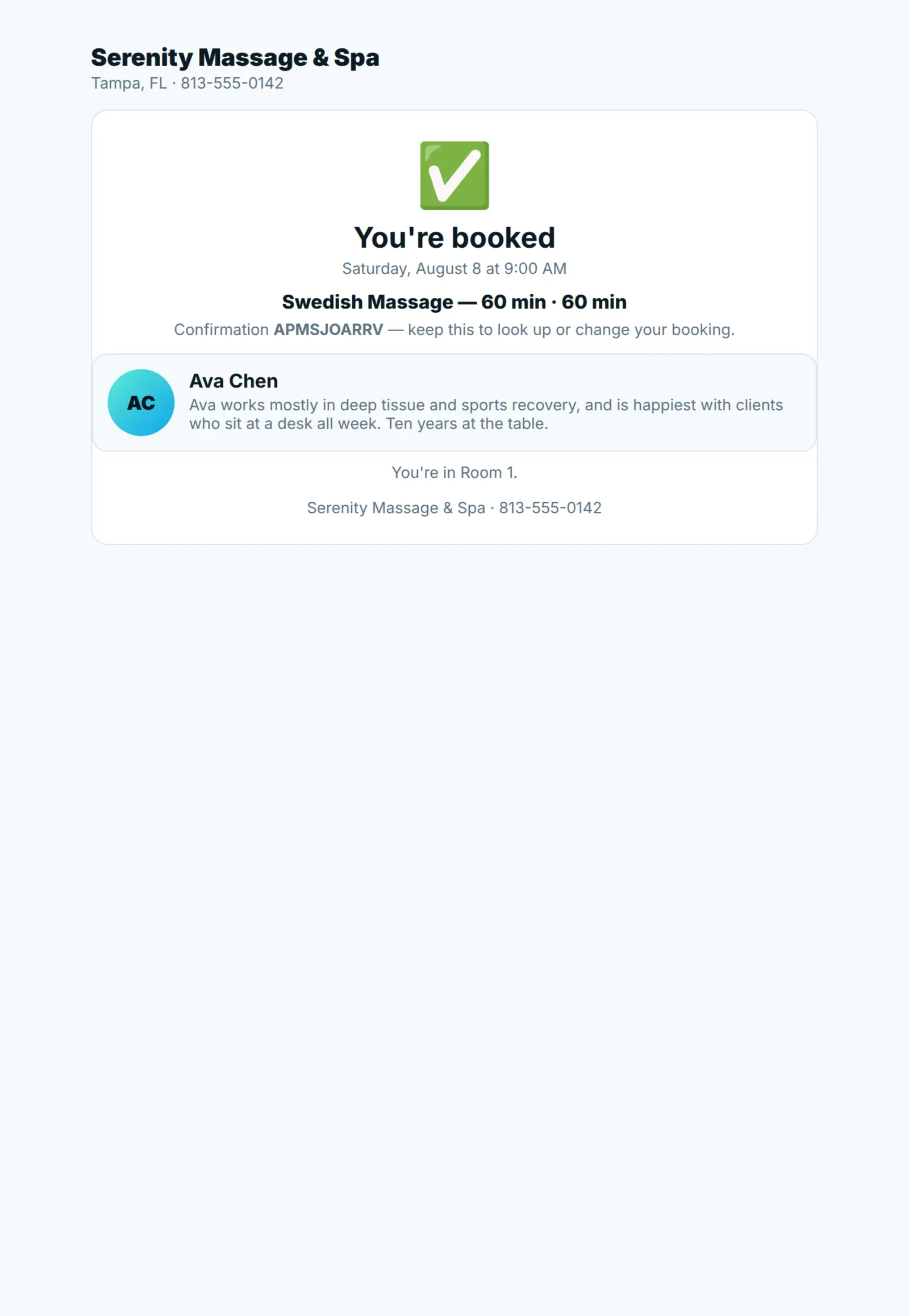
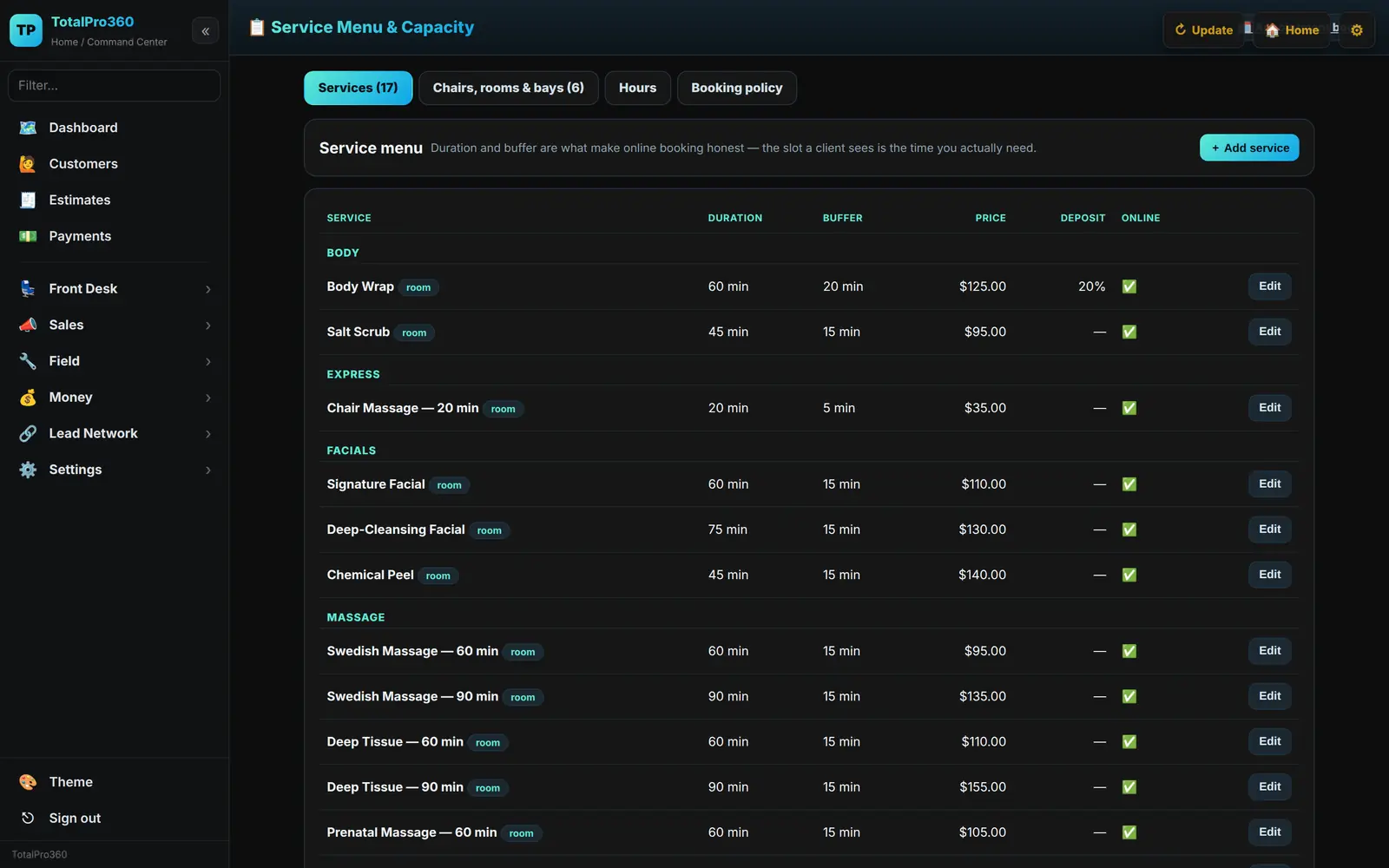
One booking screen that knows what each service takes, which staff member can do it and which room it needs — then a confirmation your client actually receives.
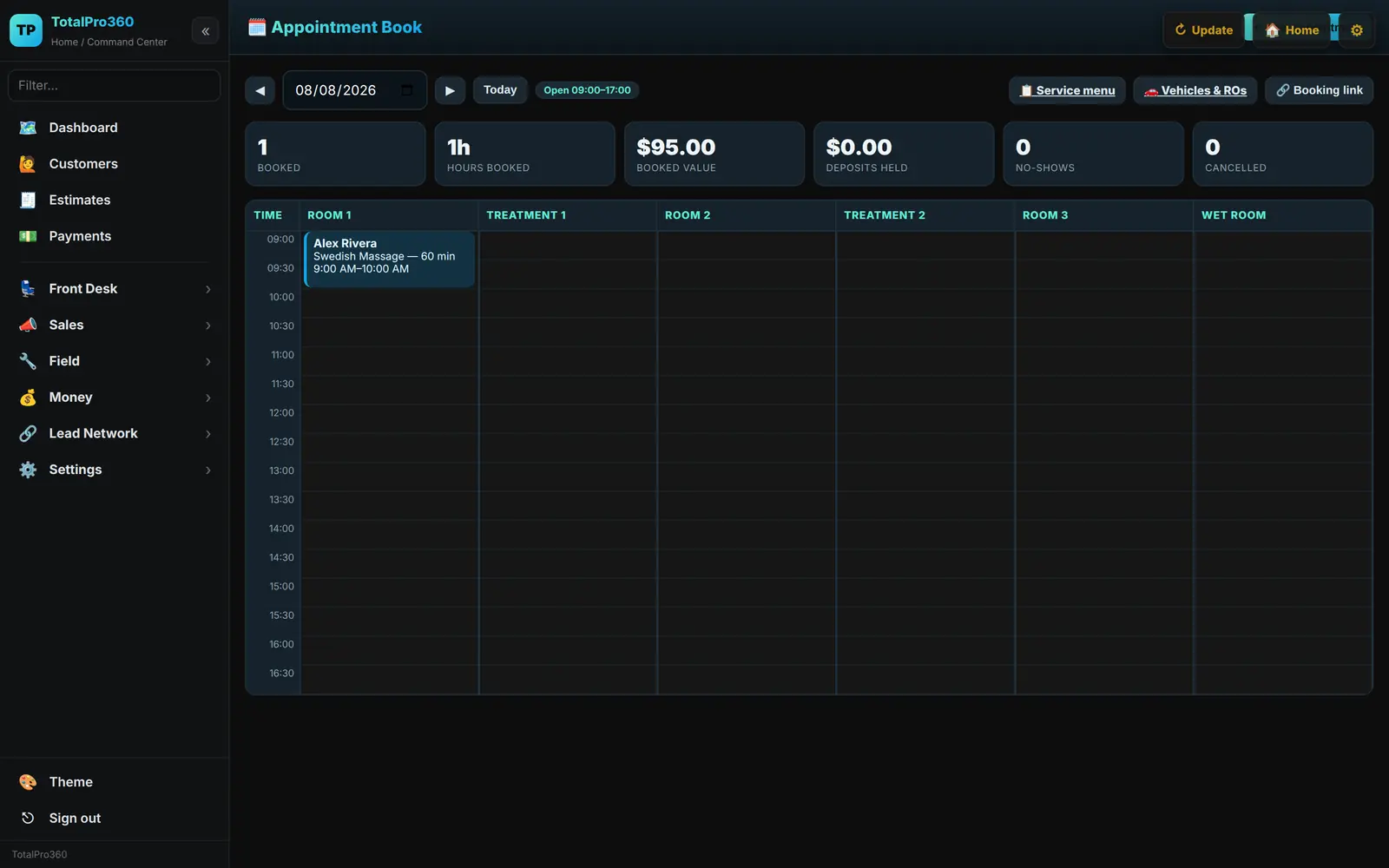
Services carry their own duration and turnover buffer; staff and rooms are booked together, so only genuinely open slots are offered.
$0 per month. $0 per seat. No card to start.
The business dashboard is free — booking, client records, service menu, quotes, invoicing and reporting included. There is no trial that turns into a bill, and no seat count to manage as you hire.
The platform earns when you do: a small margin on card processing, and the referral network. Never a software subscription. Read the full breakdown →
Where the product is today
TotalPro360 is in early access, and it is worth being straight about what that means. The platform underneath it has been running for home-service businesses for over a year, and the in-person layer — the service menu, the booking engine, deposits, counter checkout, packages and repair orders — went live on 7 August 2026. Every screenshot on this page is that software. The one item on the right is what is genuinely still to come.
Live today
- Service menu with per-service duration and turnover buffer
- Bookable resources — chair, room, bay, table, station
- Online booking against real availability
- Deposits taken at the time of booking
- Text and email confirmations, and day-before reminders
- Counter checkout with retail items and tips
- Packages, series and class passes that count down
- Vehicle records and repair orders, approved from a phone
- Accounting mounted inside the dashboard
- Staff photos and bios on your booking page
- Customer records and history
- Quotes and estimates from a stored price list
- Invoicing, with the approved quote carried across
- Card payments — at the counter or by pay link
- Staff records, roles and permissions
- Reporting on revenue and outstanding balances
Still in build
- Payroll, through the accounting module
Early access members shape the order these ship in, and pay nothing at any point. Why the software is free →
Chiropractic software questions
Is it free for a chiropractic practice?
Yes — no subscription, no per-provider fee and no card to start.
Does it track care-plan visits?
Yes. A plan decrements as visits are delivered and the remaining count is visible at the desk.
Can I book a whole plan of visits at once?
Yes. Recurring visits are scheduled as a run rather than one at a time.
Is this a full clinical records system?
No, and the site will not pretend otherwise. It handles scheduling, visit tracking, billing and payments. Clinical documentation requirements vary by state and by practice — check yours before relying on any system for them.
Further reading




Software for every service business
Run the chiropractic practice like a much bigger one.
Early access is open. Bring your staff, your clients and your service menu — leave the software bill behind.
Get early access Log in