
Fill cancellations from the waitlist
Keep a list of clients who want an earlier time, and fill a cancellation in a couple of clicks.
Free forever Not a trial. No card, no contract, unlimited staff. Card payments cost 3.9% + 30¢. Our promise →
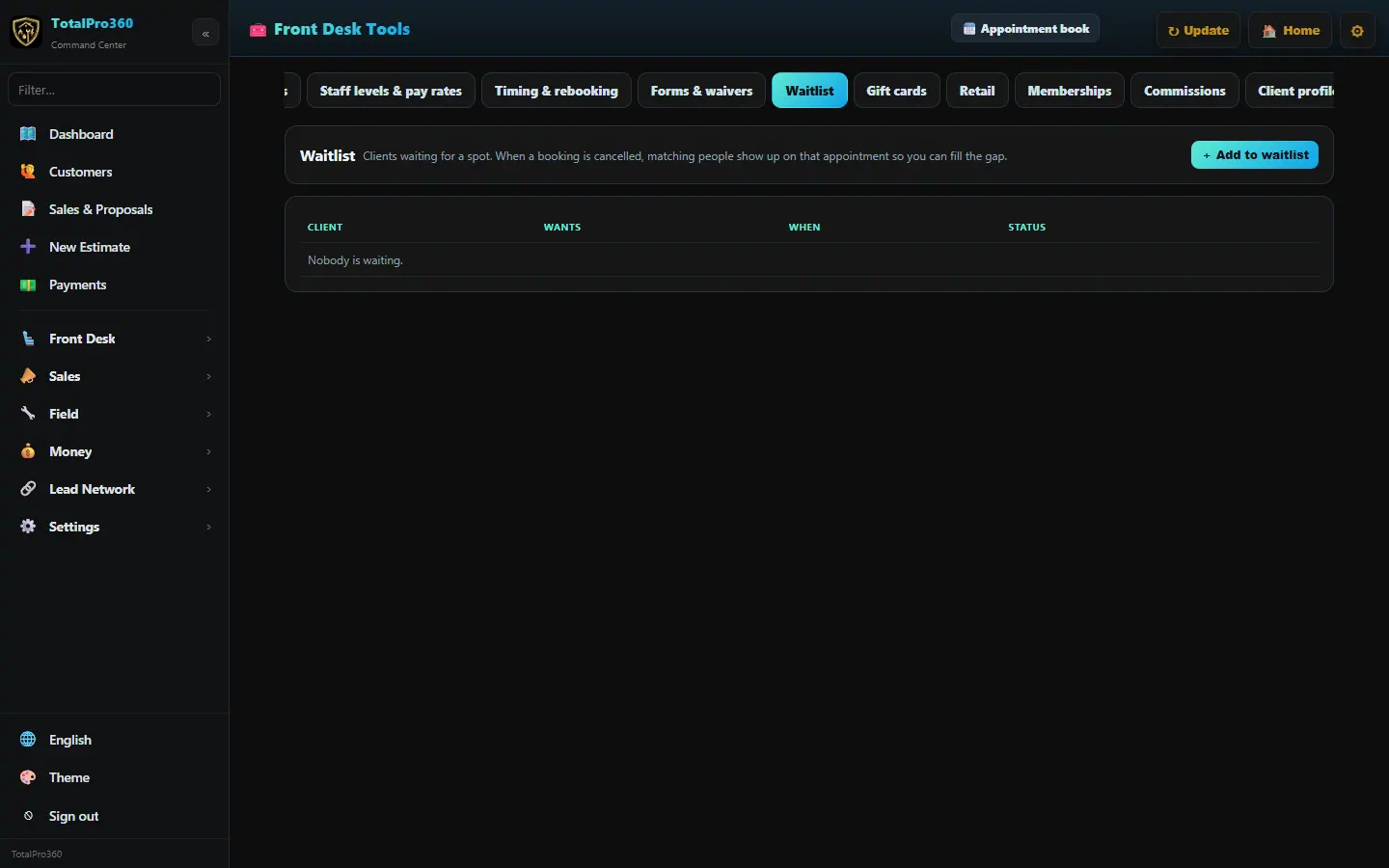
Step 1: Add a client to the waitlist
Open Front Desk → Waitlist and click + Add to waitlist. Pick the client, the service and the times that work for them. Clients can also join from your booking page.
Step 2: Find them a time
When a slot opens, click Find a time on a waitlist entry to see open times that match, and book it.
Step 3: Clear the list
Click Remove on an entry once it’s booked or the client no longer needs a time, so the list stays useful. When you remove someone who was still waiting, we email them that they’re off the waitlist, with a link to book any open time. It goes once, only if they have an email on file and haven’t unsubscribed, and the message at the bottom of the screen tells you whether it went.
Still stuck? Tell us what you were trying to do and where you got stuck. A screenshot helps.
Your ticks are saved in this browser only. Updated October 2026.