
Vehicles and repair orders (auto shops)
Keep each customer’s vehicles on file, book and quote the right vehicle, write repair orders with line items, and send an approval link the customer taps to OK the work.
Free forever Not a trial. No card, no contract, unlimited staff. Card payments cost 3.9% + 30¢. Our promise →
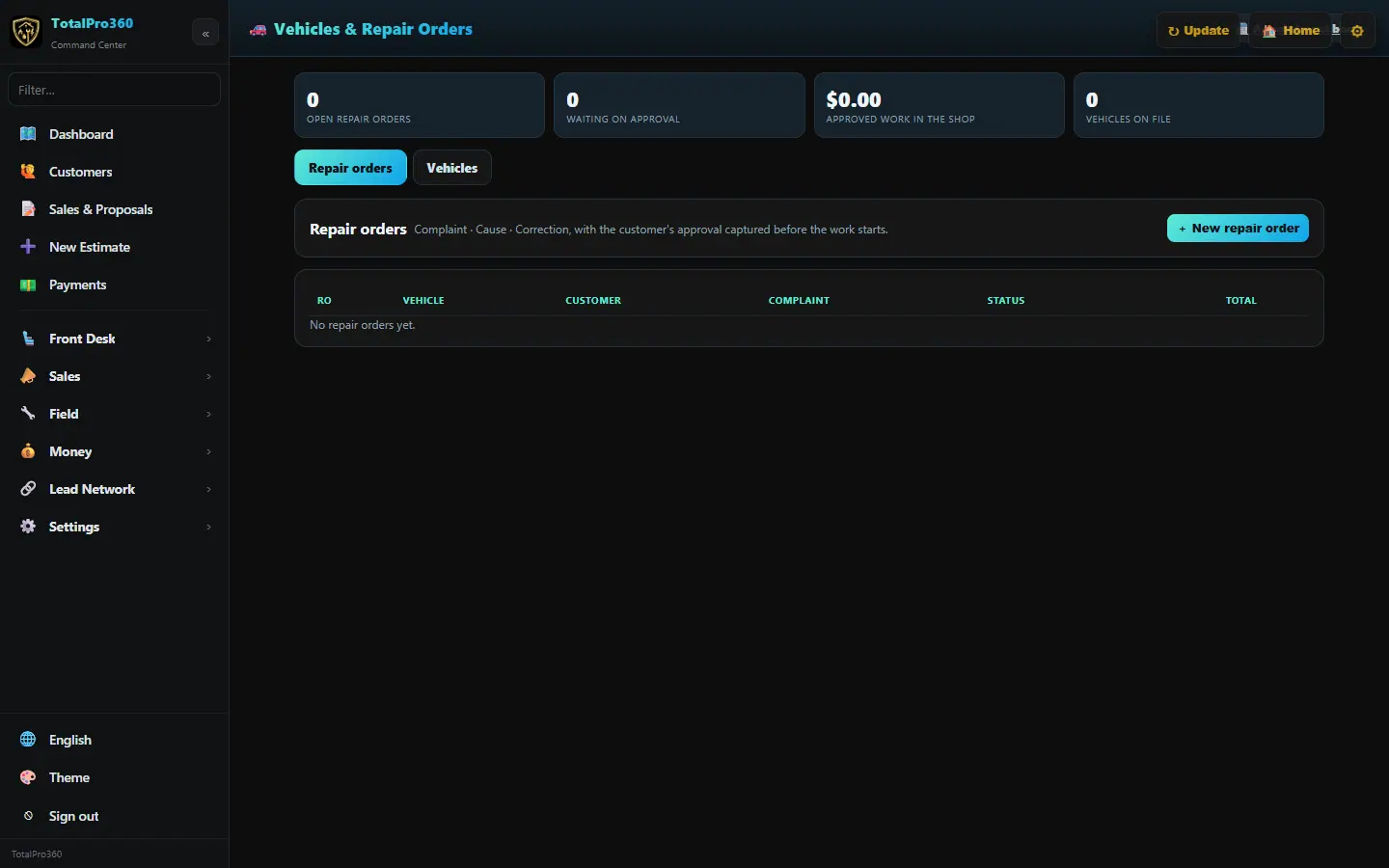
Step 1: Add a vehicle
Open the customer and use the Vehicles card, then + Add a vehicle: year, make, model, mileage, VIN, plate and notes. A customer can have as many vehicles as they own. You can also add them in Front Desk → Vehicles & Repair Orders.
Step 2: Scan or look up the VIN
Under the VIN box, tap 📷 Scan VIN and point your phone at the VIN barcode on the driver’s door jamb or at the bottom of the windshield. Or type the 17 characters and tap 🔎 Look up VIN & recalls. The year, make, model, trim, engine and transmission fill in from the free U.S. government (NHTSA) database, and any recalls for that year, make and model are listed, with a link to check whether this exact car’s recall was already fixed.
Step 3: Book the vehicle
When you book an appointment for a customer, pick which of their vehicles it’s for, or type a new one (year, make, model, VIN, mileage, plate) and it’s saved to their file. The appointment shows the vehicle when you open it.
Step 4: Quote the vehicle
In New Quote, pick the customer, then the vehicle the quote is for. If they have just one vehicle on file, it’s picked for you.
Step 5: Write a repair order
Start a repair order on the vehicle and add labor and parts lines with prices. Add notes for the customer.
Step 6: Send it for approval
Send the approval link. The customer opens it on their phone and taps to approve the work, and you see it on the repair order.
Step 7: Finish and get paid
When the work’s done, close the repair order and take payment by card, bank or cash.
Still stuck? Tell us what you were trying to do and where you got stuck. A screenshot helps.
Your ticks are saved in this browser only. Updated October 2026.
Questions about this
Does the VIN lookup cost anything?
No. It uses the free NHTSA vehicle and recall databases, and there’s no limit for normal use.
Are the recalls for this exact car?
They’re the recalls for that year, make and model. Tap the nhtsa.gov link to see which ones are still open on this VIN.
The camera won’t read the barcode. What now?
Wipe the label, turn on more light, and hold the phone so the barcode fills the yellow box. If it still won’t read, type the VIN and tap Look up.